picoCTF 2021 - Wireshark twoo twooo two twoo...
Write-up | picoCTF 2021 | Wireshark twoo twooo two twoo…
Description
Can you find the flag? shark2.pcapng
Hint:
- Did you really *find the flag?*
- Look for traffic that seems suspicious.
Initial steps
Just like the previous challenge, I inputted the provided .pcapng file in Wireshark, and opened the hierachy table:
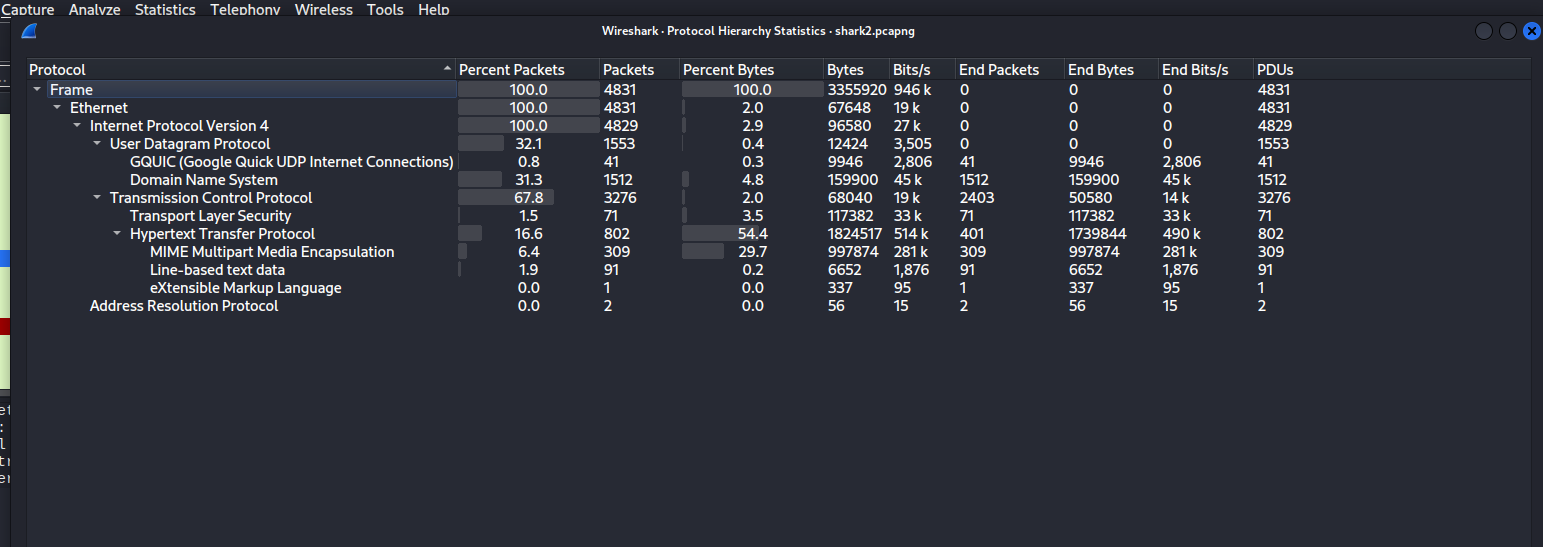
There were 16.6% packets that had HTTP. We could extract a lot of human-readdable information from these packets.
Filtering the list with keyword http in the filter box and clicking the Info column, this was the initial look:

There were so many GET packets. The source was 192.168.38.104, and the destination was 18.217.1.57. The source was requesting the file flag a lot of times.
Scrolling down, I finally saw the response packets:
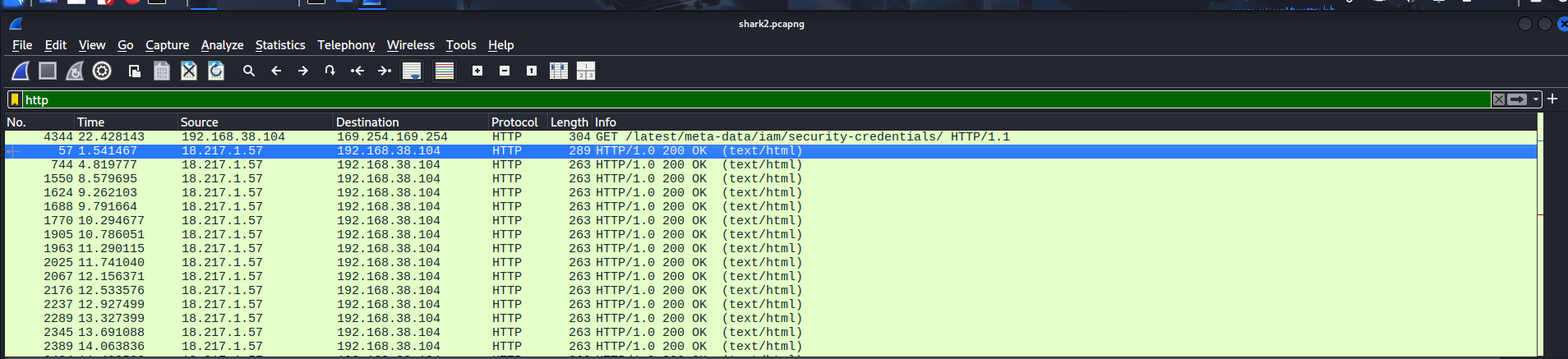
I checked the first packet, and it said: “The official Red’s Shrimp and Herring website is still under construction. Please check back later!”:
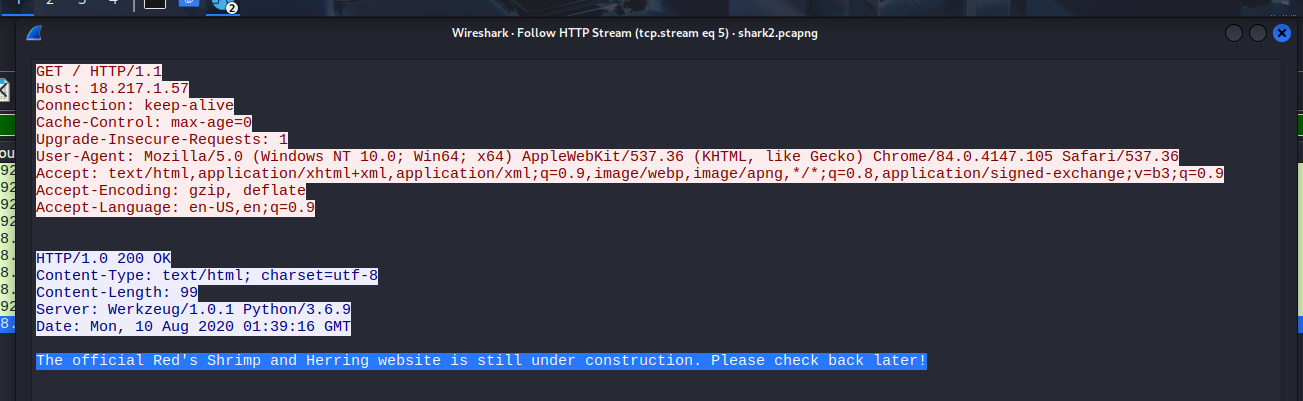
I suspected 18.217.1.57 was the IP address of the mentioned “Red’s Shrimp and Herring” website.
Next, I decided to take a look at other response packets as well. However, all I got were red herrings (fake flags):
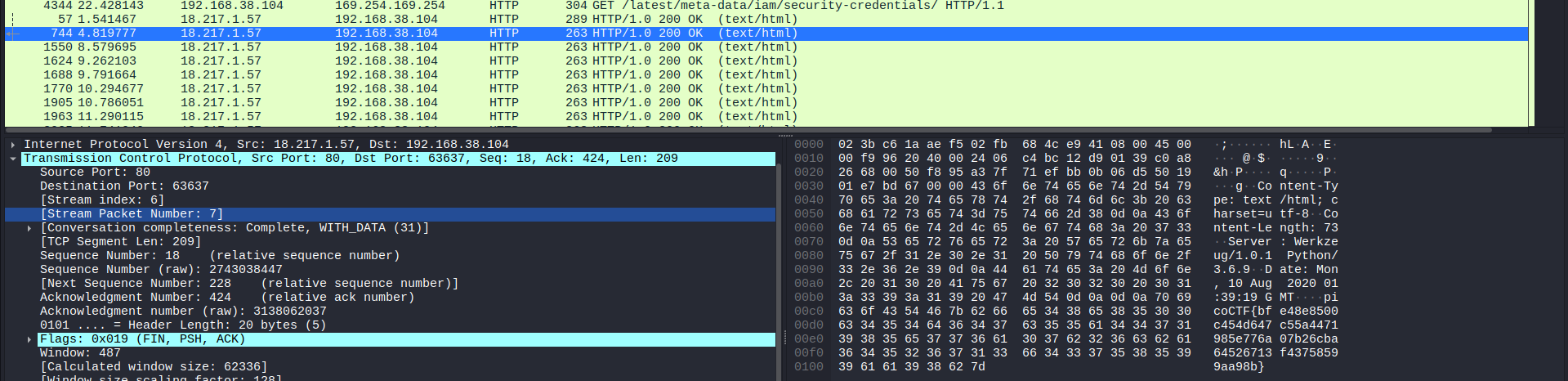
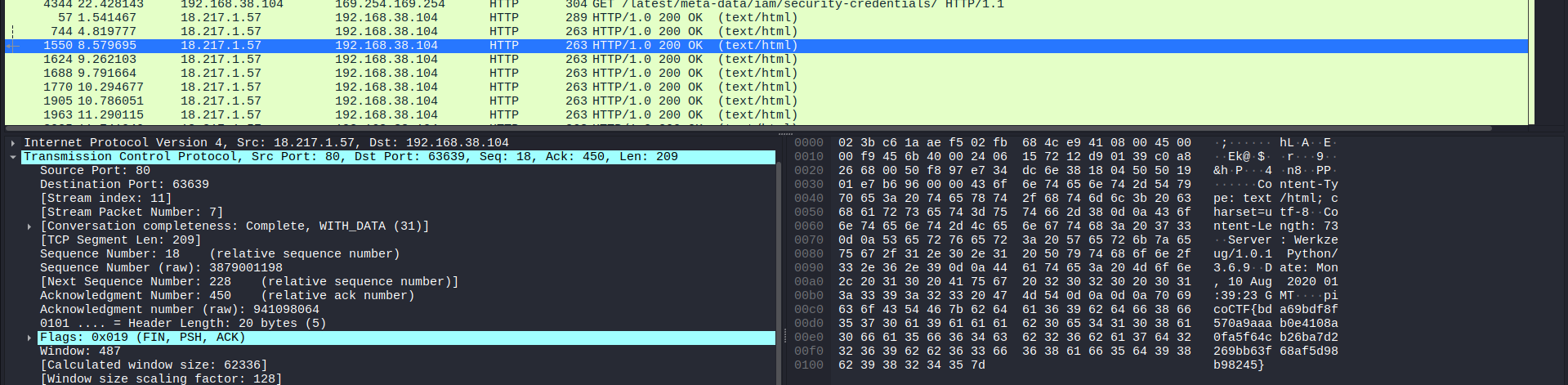
There were still many more fake flags below.
I continued to scroll, and a red packet appeared to have a Base64 code, I presumed.

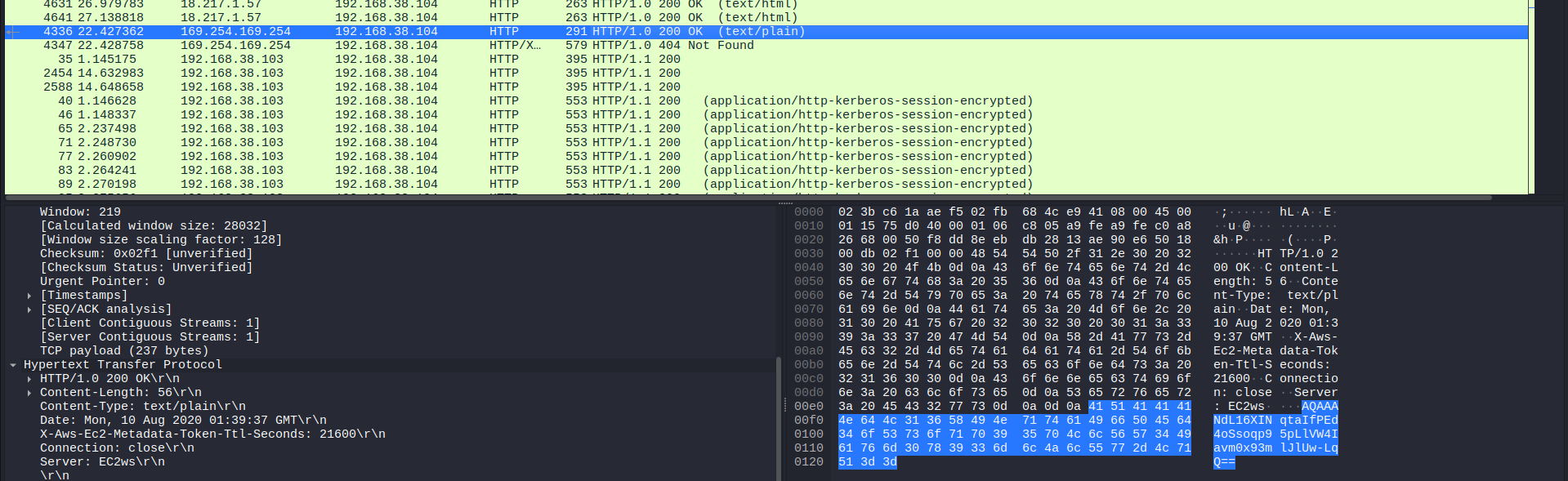
After following the packet, I copied the code and pasted it on CyberChef’s Base64 decoder. Unfortunately, the result was a garbage text:
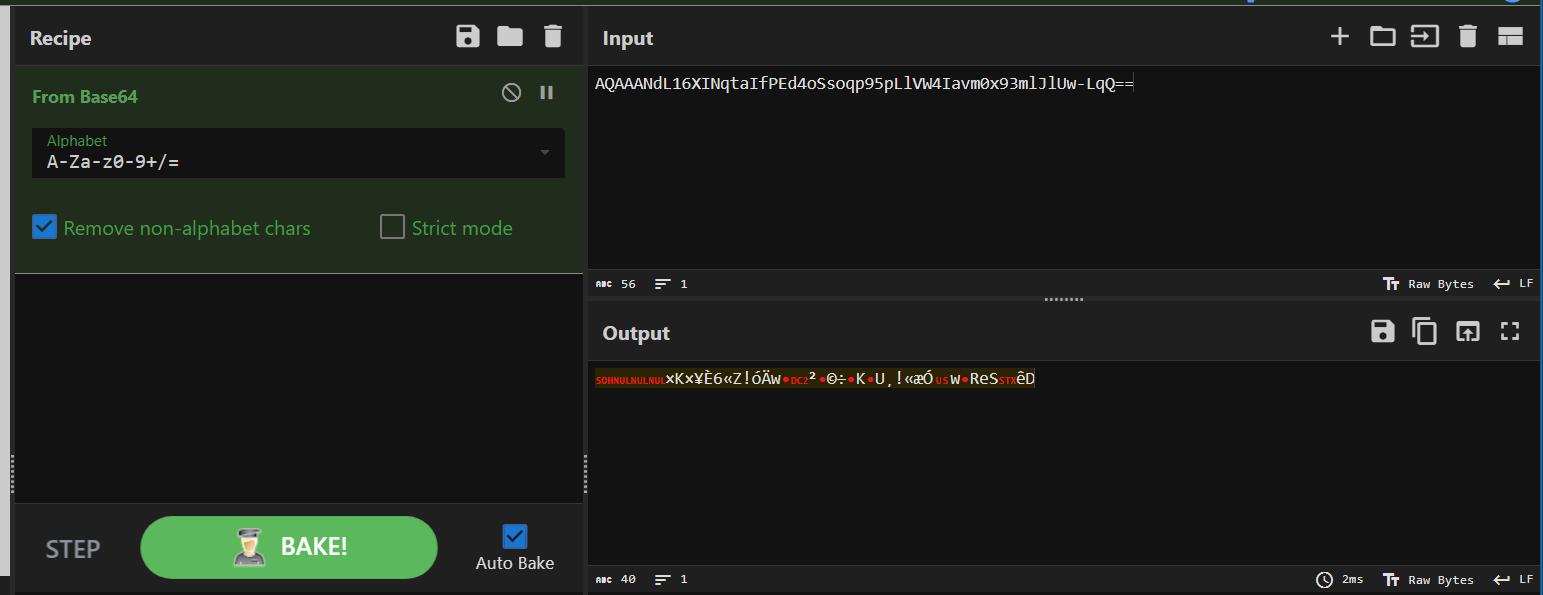
The rest of HTTP packets didn’t have much valuable intel for me.
For that reason and from the analysis that I made, I decided to specifically analyze packets sent from 18.217.1.57. The “Red’s Shrimp and Herring” website seemed to be the most outstanding hint out there.
Vulnerability analysis
not yet detected
Solution paths
If you wish to see only packets that 18.217.1.57 sent, just type this in the filter box:
ip.src == 18.217.1.57
Then, make sure to click the “Time” column to sort the list by time order.
After flitering, I started exploring the list. Suddenly, a suspicious DNS (Domain Name System) packet appeared out of no where. Just look at the subdomain:

The code before ..reddshrimpandherring.com was cGljb0NU. I randomly put this in CyberChef’s Base64 decoder, and the result was surprising:
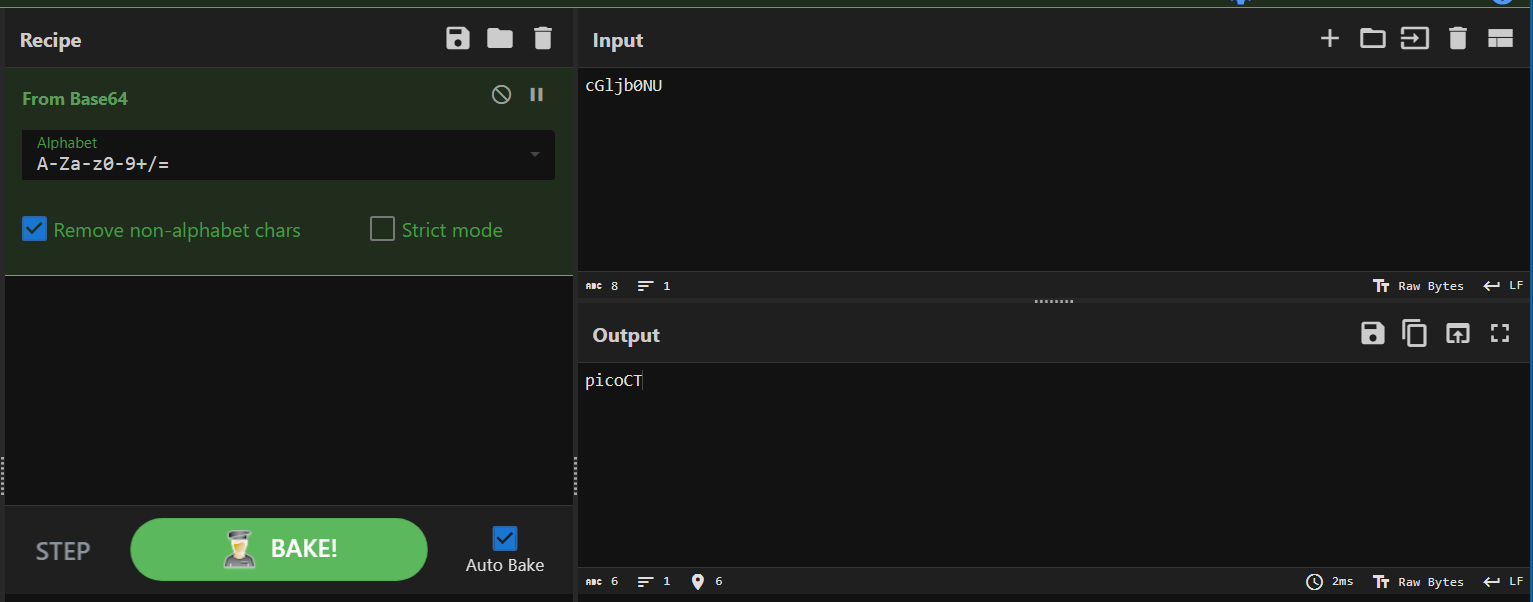
It was “picoCT” in “picoCTF”! I assumed that in the upcoming DNS packets, the Base64 flag parts were hidden there as well. I added one more filter in the filter box to show only DNS from 18.217.1.57:
ip.src == 18.217.1.57 && dns

And there you go: all flag parts were revealed. Follow each distinctive packet, paste them in your Base64 decoder, and you will eventually get the flag.
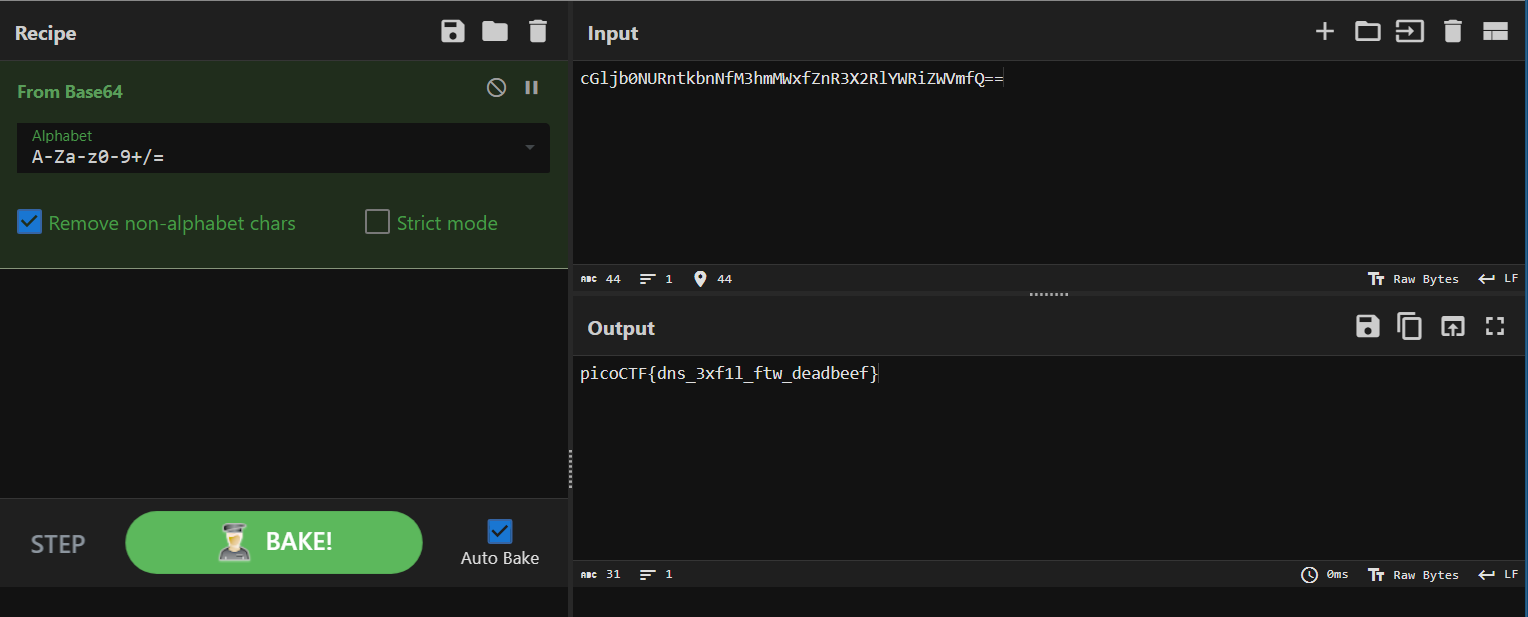
Flag
picoCTF{dns_3xf1l_ftw_deadbeef}
This challenge is a resemblance of DNS exfiltration.
Commands/Tools used
Commands/Tools Purpose(s) Wireshark A tool to analyse captured network packets ( .pcapand.pcapngfiles).CyberChef Encoding and decoding tool
Key takeaways/Lessons learned
- DNS exfiltration: In this challenge, the attacker sent the collected data by putting it in the subdomain of their own website, and via Internet and DNS servers (DNS query), asking the system (DNS resolvers) to resolve the domain. The attacker then read the log of his website and got the info.