picoCTF 2019 - shark on wire 2
Write-up | picoCTF 2019 | shark on wire 2
Description
We found this packet capture. Recover the flag.
Hint: (None)
NOTE: I recommend reading the write-up of the previous part of this challenge series here.
Initial steps
Let’s open the provided .pcap file in Wireshark:
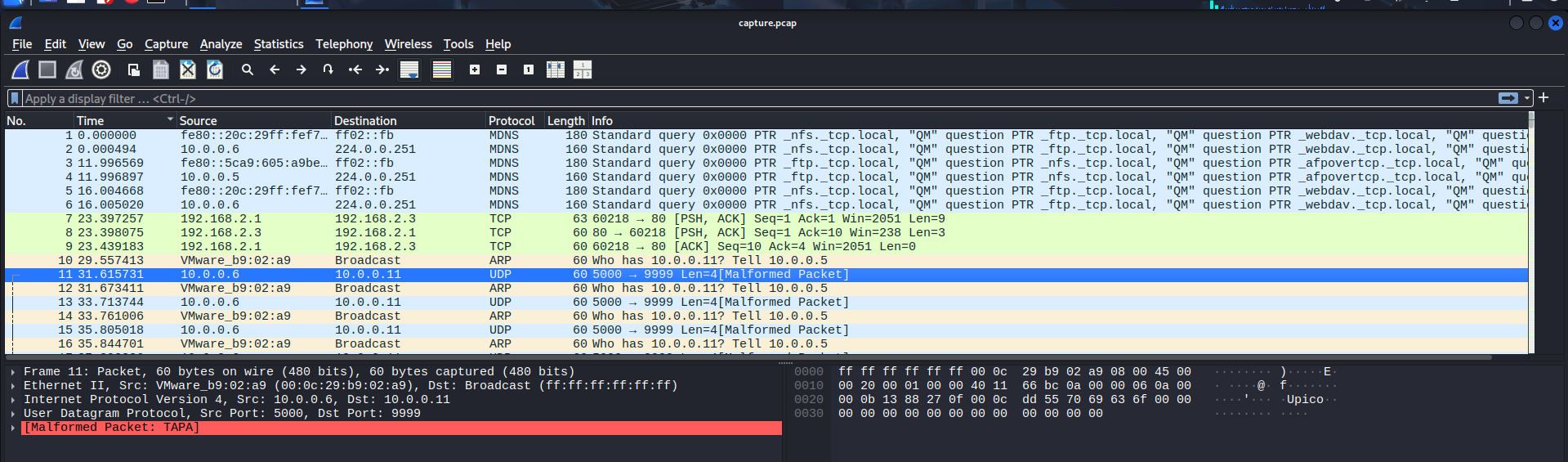
Checking some of the first packets, I noticed a part of the flag was in these UDP packets, just like the previous challenge:
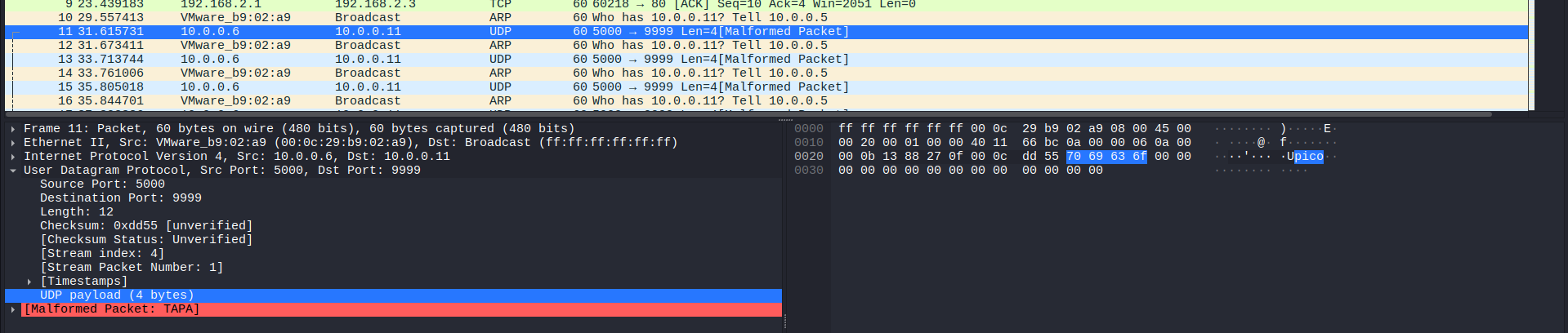
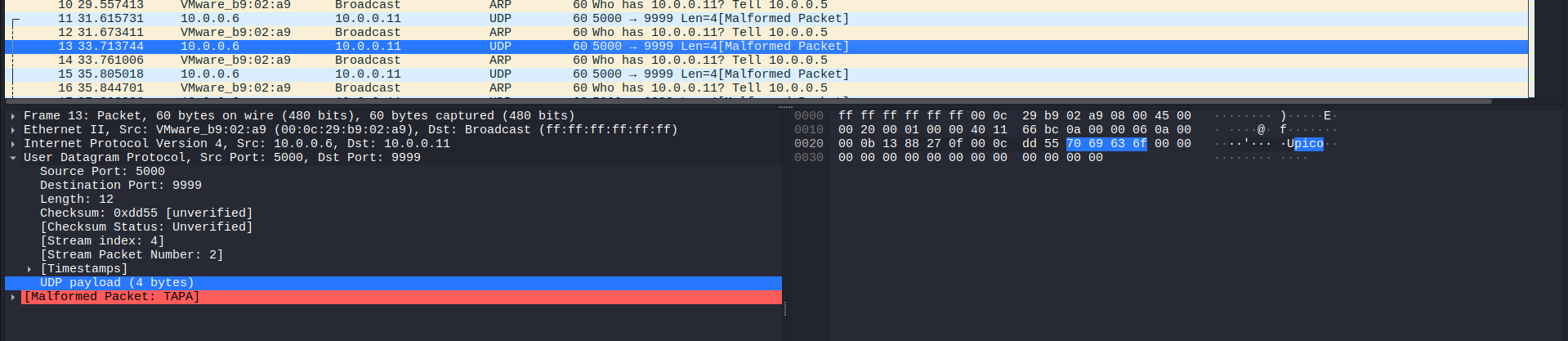
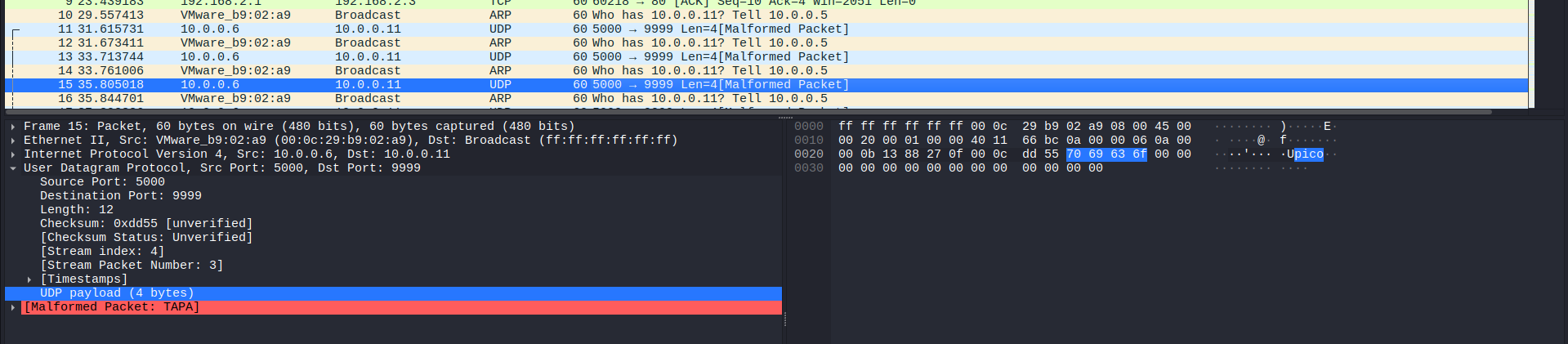
I randomly followed the UDP stream of one of these packets, but of course, it was a red herring:

Next, I decided to analyse other UDP packets as well.
First, I found three packets sent from 10.0.0.2, but to three different destination, that had random suspicious text:
In the first packet, it had a nonsense plaintext:
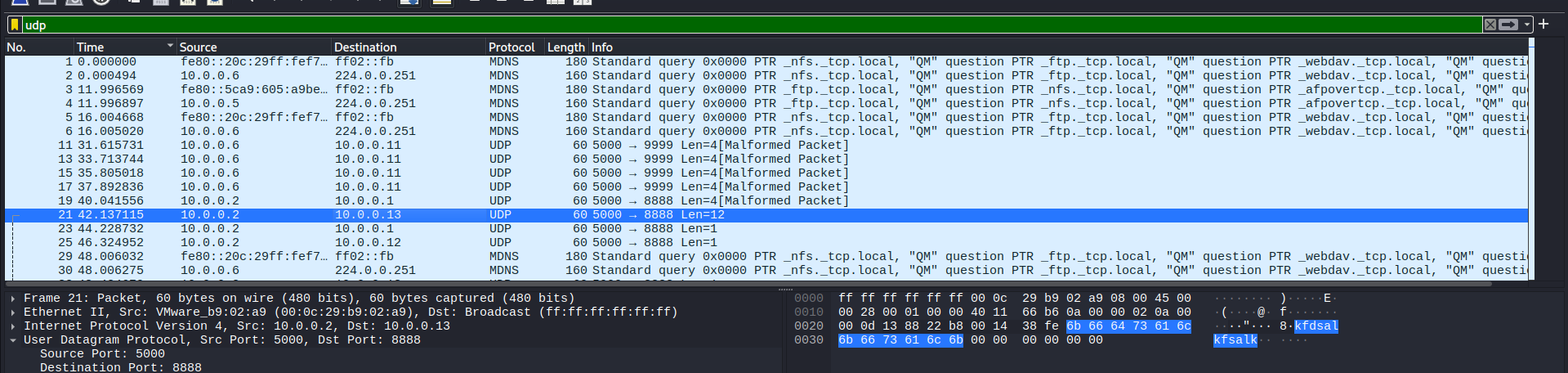
In the other two packets, they only contained a letter “i”. I suspected it was the letter “i” in “pico”:

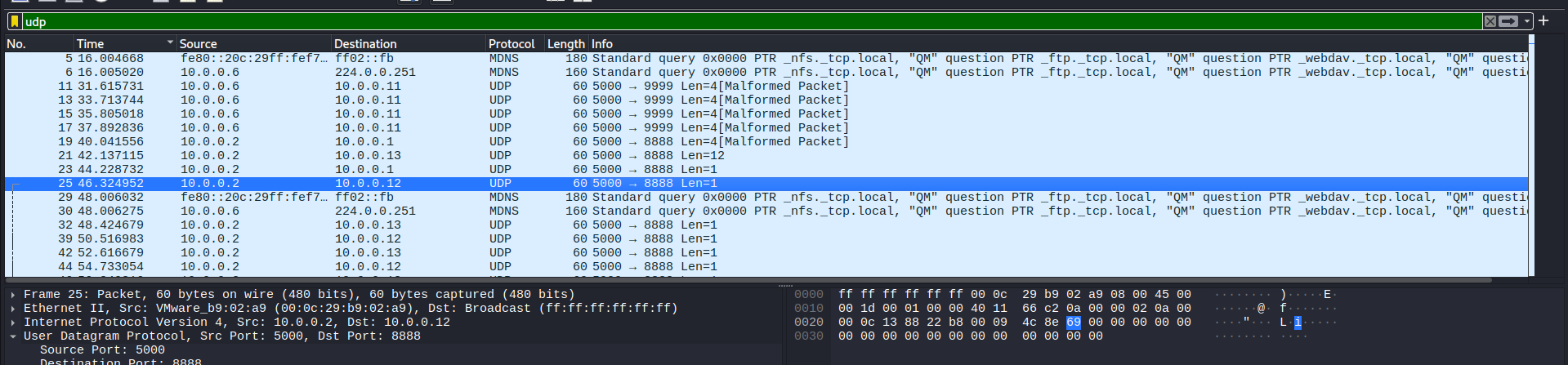
Following the first one:
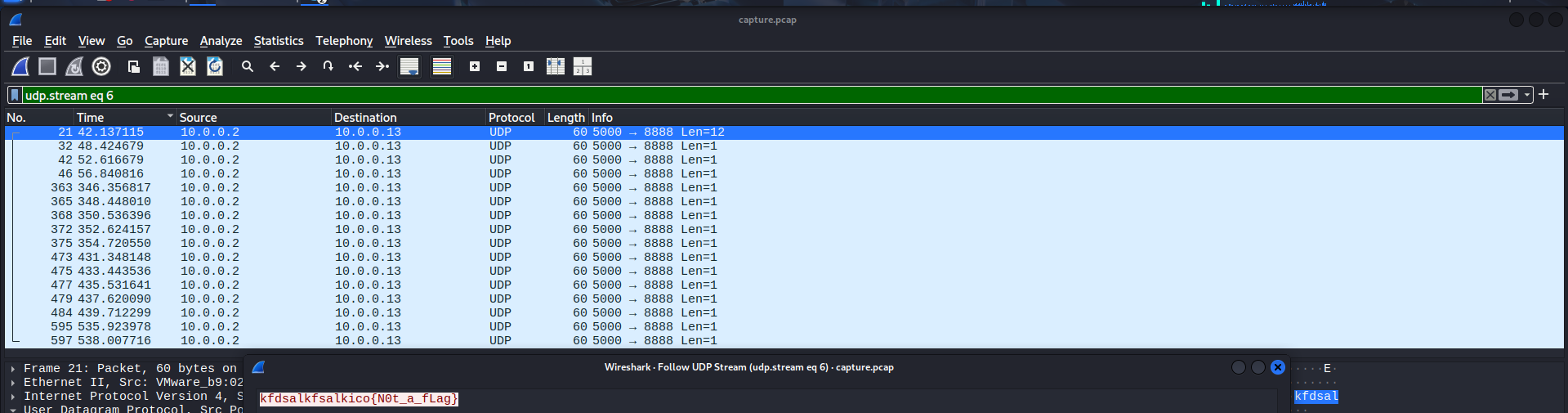
… the second one:

… and the third one:
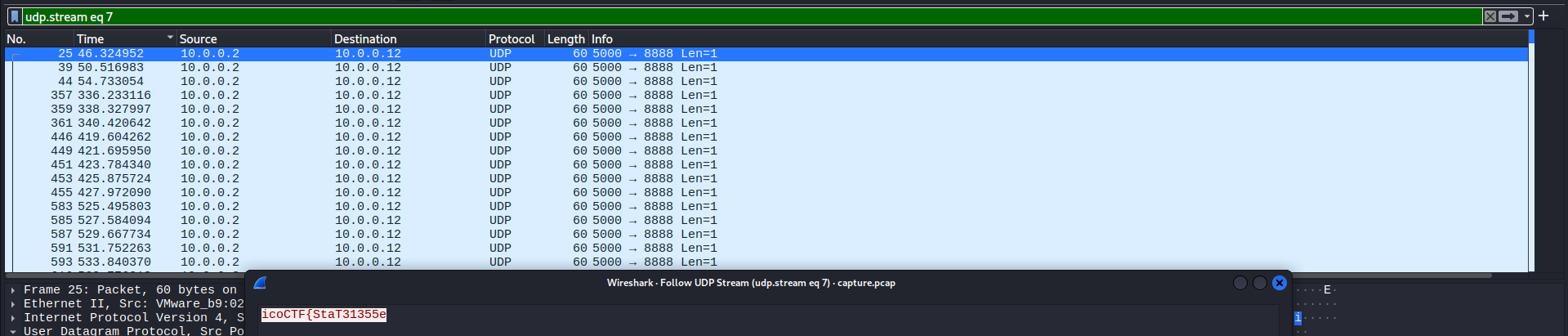
They were all red herrings, so I continued exploring.
Then, I discovered No. 50 packet. It really looked like a flag, but with out underlines (_) and curly brackets ({}):
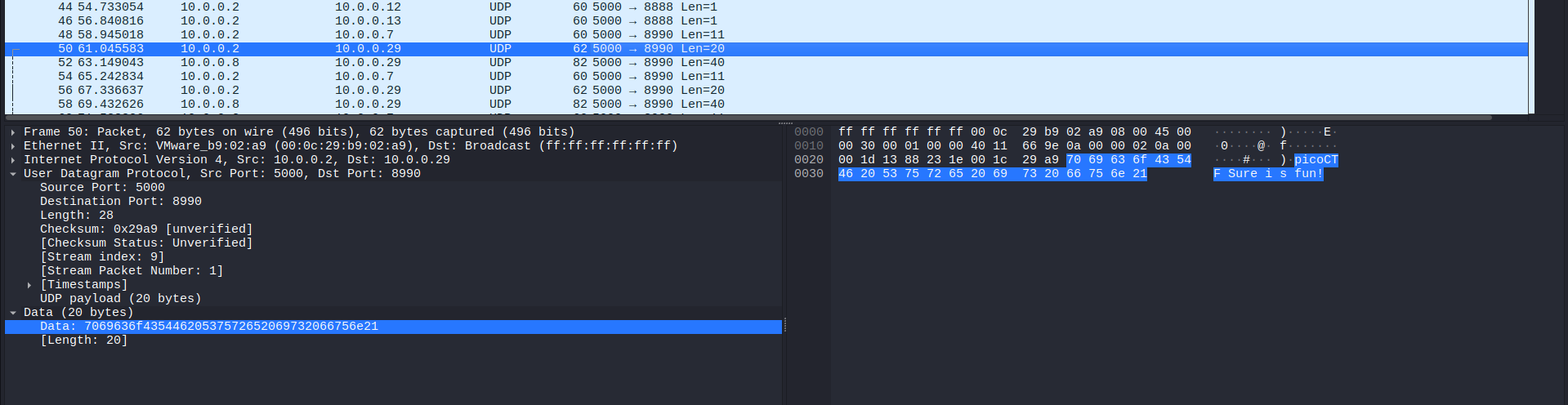
Once again, I followed it:
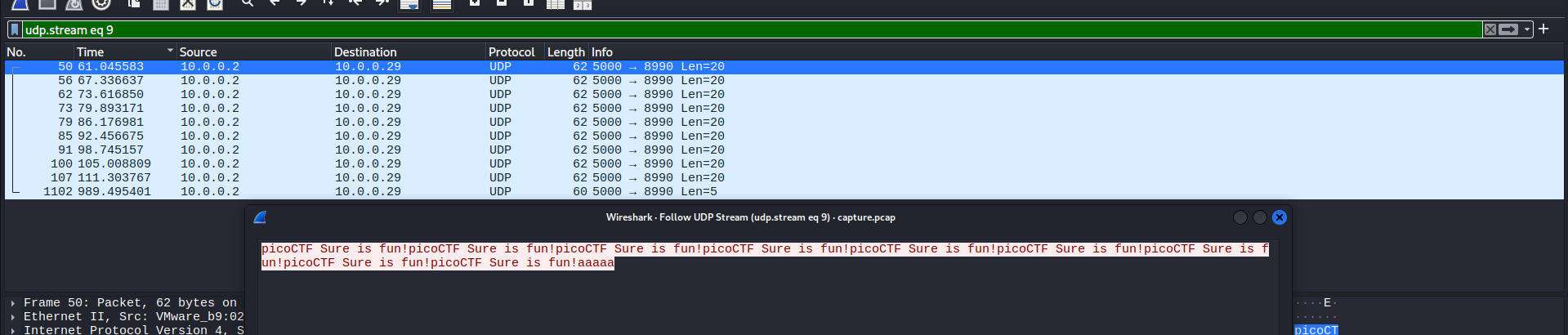
That is not what we want: another fake intel.
There were too much red herrings, so I only show the most outstanding ones.
Scrolling to nearly the bottom of the list, I saw No. 1104 packet had the text “start”:
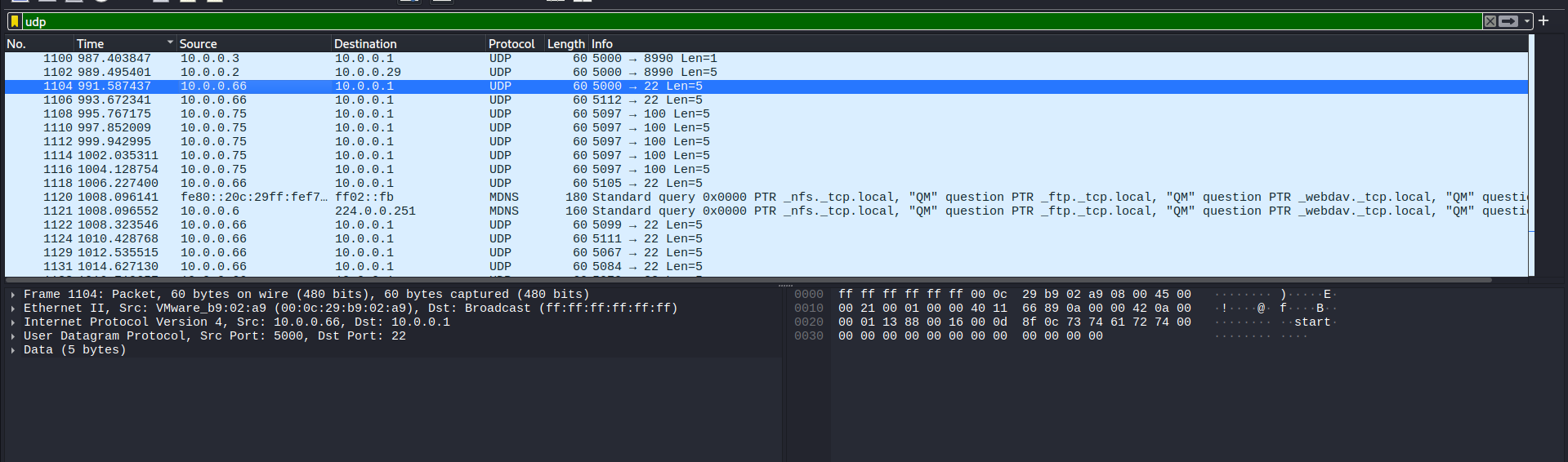
I thought this was kind of a sign to let the receiver know that the data transmission began.
I also noticed that the source 10.0.0.66 sent data to the same destination 10.0.0.1, but the source port changed frequently:

I typed in the filter bar this filter:
ip.src == 10.0.0.66
…to narrow down the investigation to packets that were sent from 10.0.0.66.

Taking a closer look at the source port, you can see that the last 3 digits of each port could be some kinds of encoding. I believed this was ASCII code.
Vulnerability analysis
Potential vulnerabilities
- Network steganography via source port number.
Solution paths
To extract each number and decode to human-readdable text, I wrote a Python script:
1
2
3
4
5
6
7
8
9
10
11
12
13
14
15
16
17
18
#equals to "using namespace scapy.all"
from scapy.all import *

flag = ""

#rdpcap = read pcap
packets = rdpcap('capture.pcap')

#browse all packets
for packet in packets:
    #Each packet has different protocols
    #We just want to check if the packet contains UDP.
    if UDP in packet and packet[UDP].dport == 22:
        #Divide by 1000 to get the last three digits
        flag += chr(packet[UDP].sport % 1000)

#.format will replace the curly brackets {} by the data inside flag variable
print("Flag: {}".format(flag))
After running the script, I got the flag:

Flag
picoCTF{p1LLf3r3d_data_v1a_st3g0}
Commands/Tools used
Commands/Tools Purpose(s) Wireshark A tool to analyse captured network packets ( .pcapand.pcapngfiles).Python Autonomously extract information in .pcapand.pcapngthanks toscapylibrary.
Key takeaways/Lessons learned
- Network steganography: Learn a new network steganography technique - Source port number.
- Utilize Python: Instead of mannually copy each port number to decode, we can use Python to automate the process via
scapy.