picoCTF - Flag in Flame
Write-up | picoCTF | Flag in Flame
Description
The SOC team discovered a suspiciously large log file after a recent breach. When they opened it, they found an enormous block of encoded text instead of typical logs. Could there be something hidden within? Your mission is to inspect the resulting file and reveal the real purpose of it. The team is relying on your skills to uncover any concealed information within this unusual log. Download the encoded data here: Logs Data. Be prepared—the file is large, and examining it thoroughly is crucial .
Hint: Use
base64to decode the data and generate the image file.
Initial steps
We are provided a .txt file named logs.txt, containing a very long text.
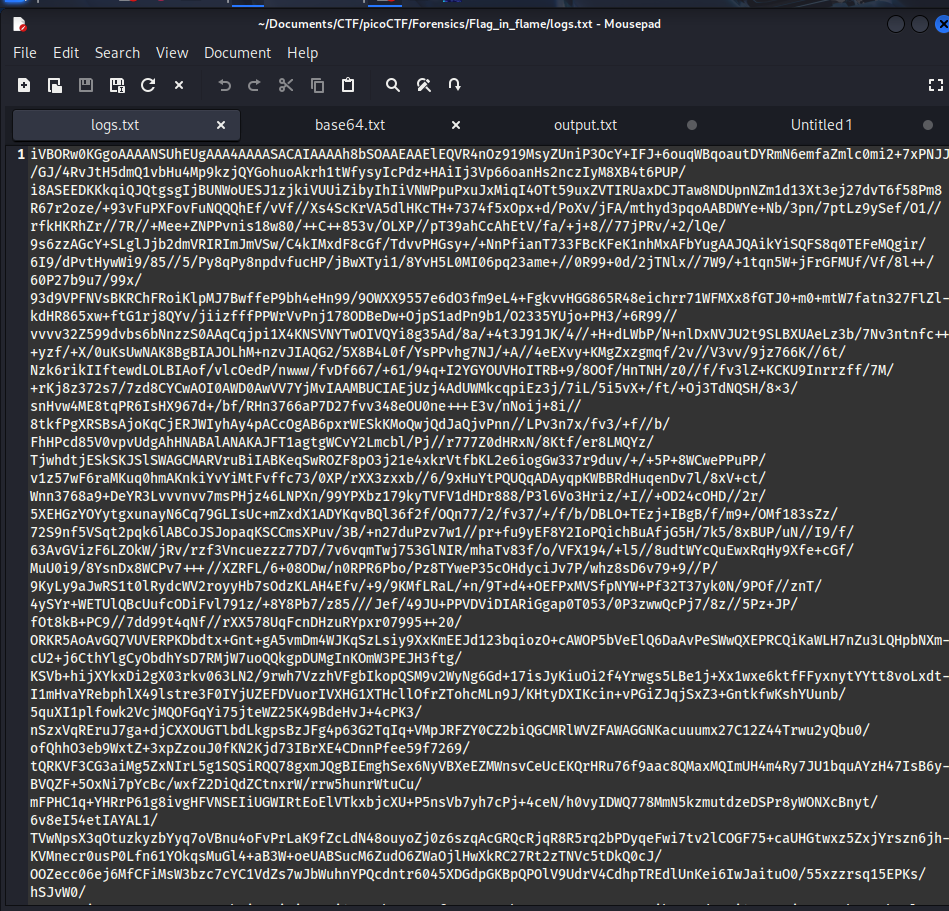
As you can see from the description, the file’s data contains encoded thingy.
What really makes me curious is the last line of the plaintext:

Seems like this can be the key factor guiding us to the flag. Knowing this, I do xxd log.txt:
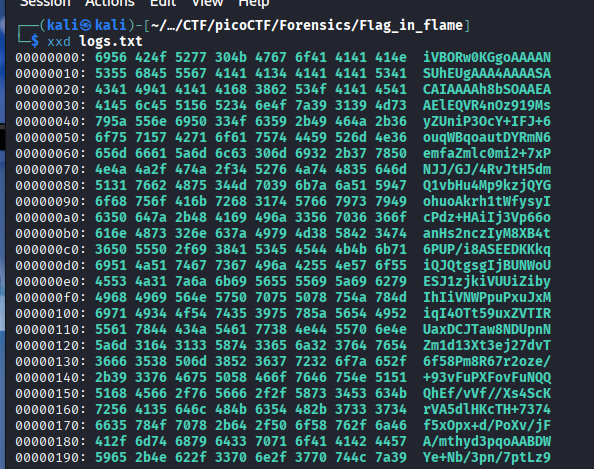
At the first glance, it just shows us the exact same thing that we see in the .txt file. However, when I scroll down to the last lines, it actually has “==” sign at the end:
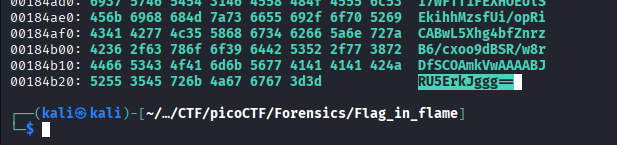
This is the sign that every Base64 code has, so our attention is now on Base64 encoding technique.
Vulnerability analysis
Potential vulnerabilities
- Base64 encoding
Solution paths
Before decoding, I need to extract only the code out of the xxd result. I export the output to xxd.txt and execute:
grep -oE '[0-9a-zA-Z]{16}$' xxd.txt > base64.txt
It will extract the last 16 characters of each line and send them to base64.txt. Notice that the last line does not have enough 16 chars, so you will have to copy and paste on your own right.
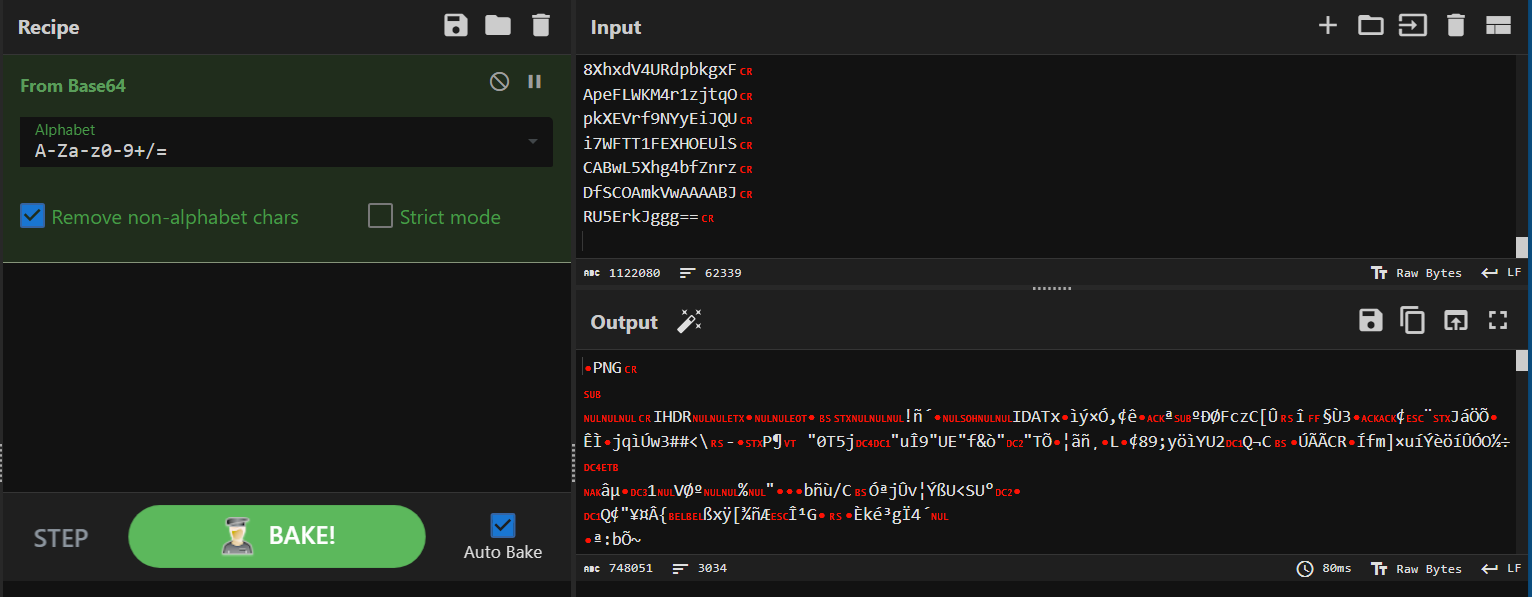
Here it is: logs.txt was originally a .png file, but encoded. Now we just need to use Base64 tool on Linux:
base64 --decode logs.txt > flag.png
And this is the result: 
I recommend using PowerToys’s Text Extractor to get the code instead of manual doing.
The code in the picture is a HEX code. Once again, I make use of CyberChef and capture the flag successfully.
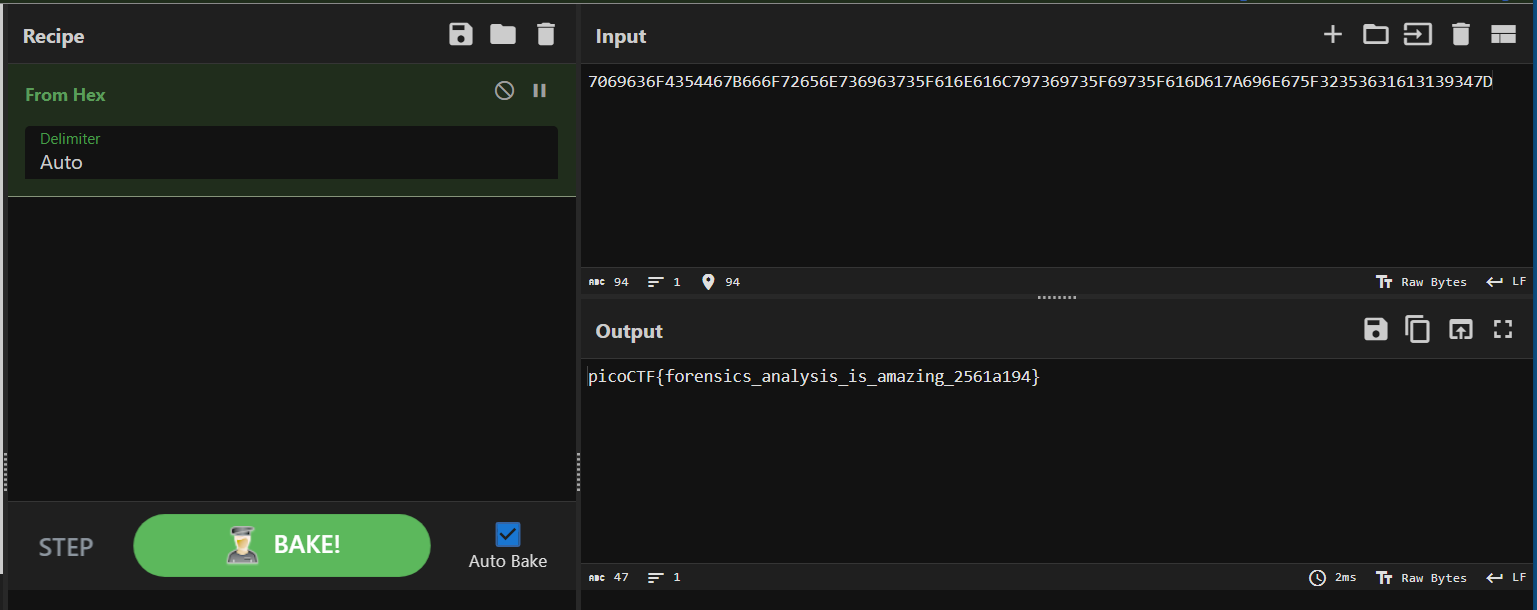
Flag
picoCTF{forensics_analysis_is_amazing_2561a194}
Commands/Tools used
Commands/Tools Purpose(s) xxdCreate hex dumpfrom the input file, containing HEX and ASCII.grepFilter the necessary parts of plaintexts. base64 --decodeDecode a Base64 encoded file to the type of file that we want. PowerToys’ “Text Extractor” Extract text displayed in an image.
What did we learn?
- Know the use of
xxdto see non-printable characters, or bypass the obfuscation of a.txtfile. - Get the original file from a Base64 encoded file.