picoCTF 2022 - File Types
Write-up | picoCTF | File Types
The link to the challenge is here
Description
This file was found among some files marked confidential but my pdf reader cannot read it, maybe yours can. You can download the file from here.
Intial Analysis
Initially, this looks like a .pdf file, but when I open it, the reader cannot read anything: 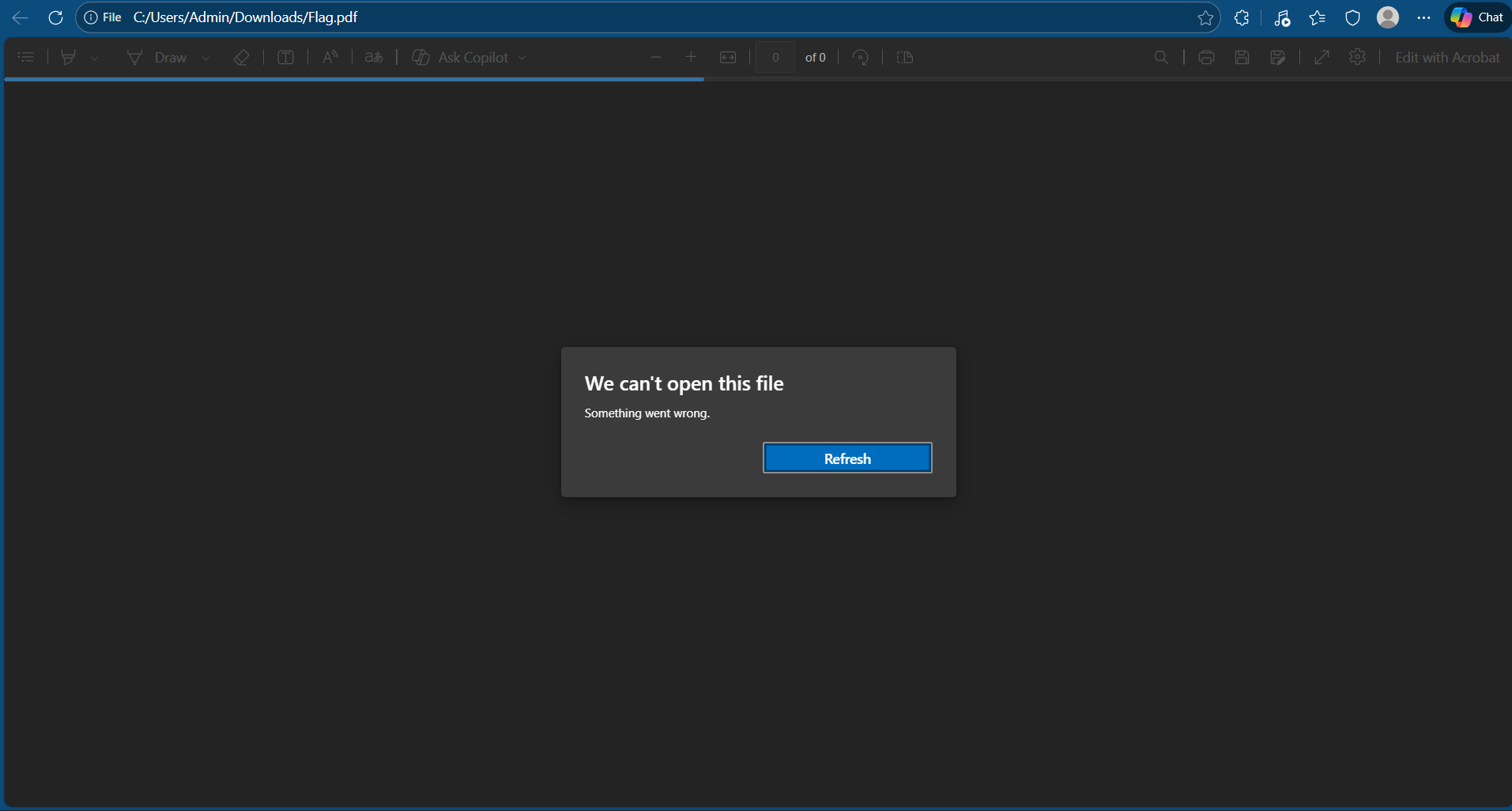 So I know that this is not a
 .pdf file, now I use file command in Linux to check:
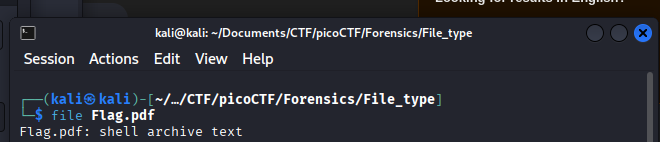
This is actually an shell archive file, which contains shell code. I recommend installing sharutils in your Linux in order to solve this challenge.
Walkthrough
One thing to mention here: I won’t write step-by-step walkthrough in this challenge. This is a “Matryoshka” challenge, so it’s just basically decompressing over and over again, with different compressed file types.
If you do not know the file you get is of which type, use file, for example:

This is a .ar file. A quick Google search will let know that you can use ar -x flag to extract the file.
Just follow what I did above: Check file type -> Search tool -> Decompress, and eventually you will get the flag.
The flag is (click the arrow below):
**picoCTF{f1len@m3_m@n1pul@t10n_f0r_0b2cur17y_79b01c26}**
NOTE: The code at the end of the flag may vary between versions, which means it is due to change. The flag provided in this writeup may not valid in the future.